Android · Closed testing
Orthodate is coming to Google Play
The Android build is finished. Before it opens to everyone it goes out to a small test group, and there is still room in it. Add the Google account you use on your phone and you will be among the first people in the country with it installed.
- You see it firstThe closed test group installs the app weeks before it opens on Google Play to everyone else.
- You shape itReply to any email we send and it goes to the person building the app, not to a ticket queue.
- Testing costs nothingThere is nothing to pay to be in the test group, and nothing is charged when it ends.
Installed from Google Play like any other app. Nothing sideloaded.
What you are testing
The whole app, not a preview of it
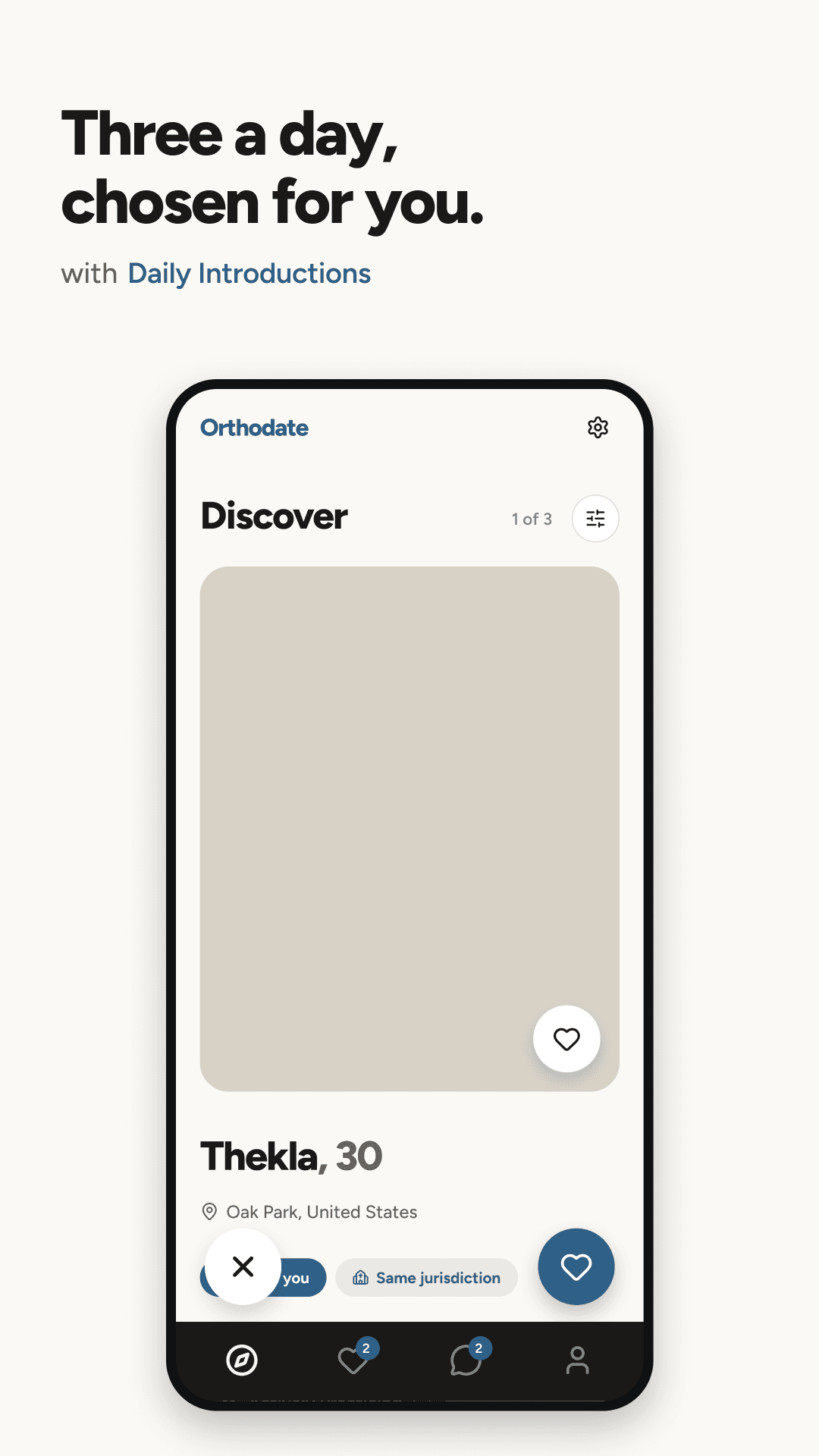
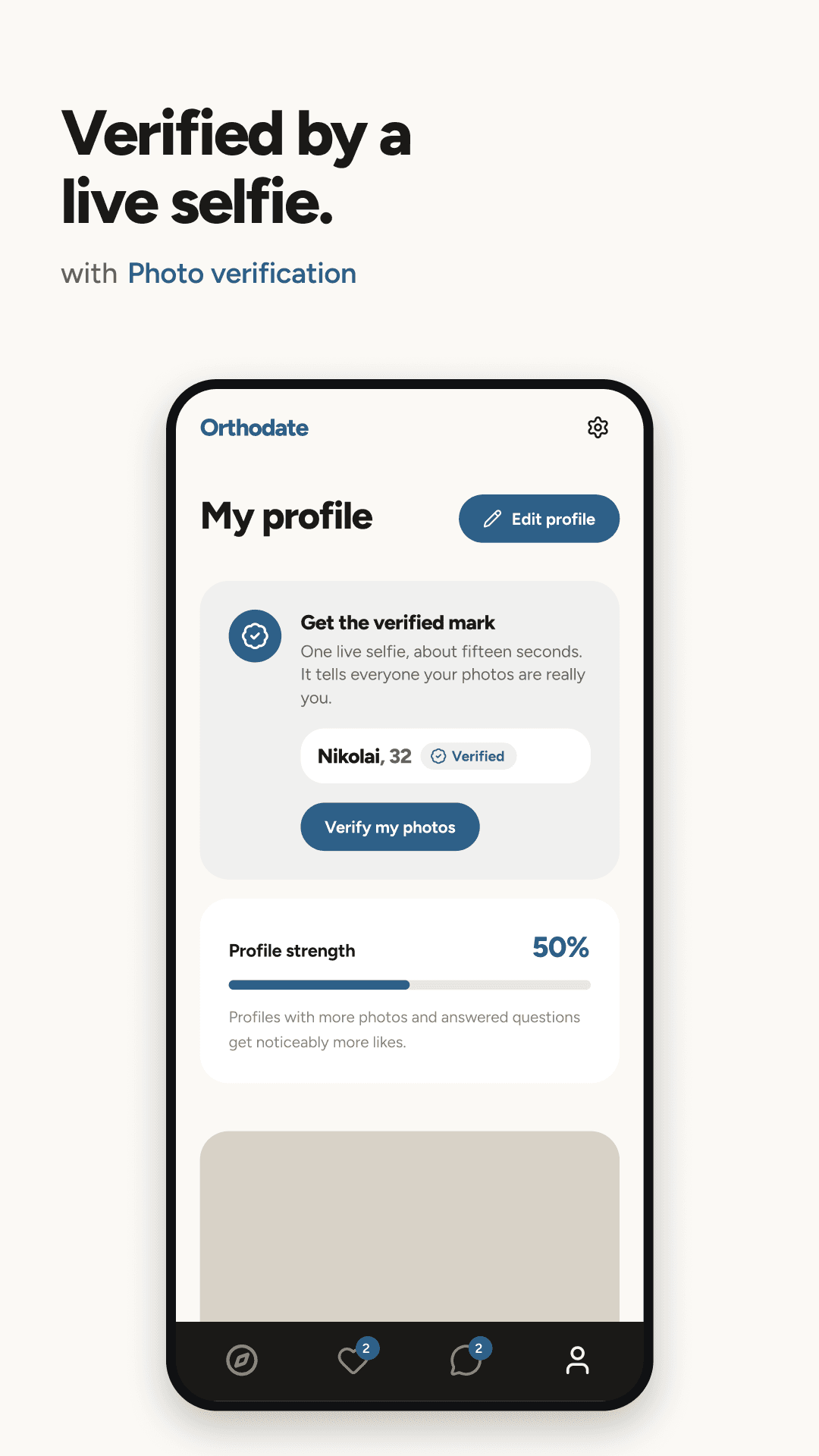
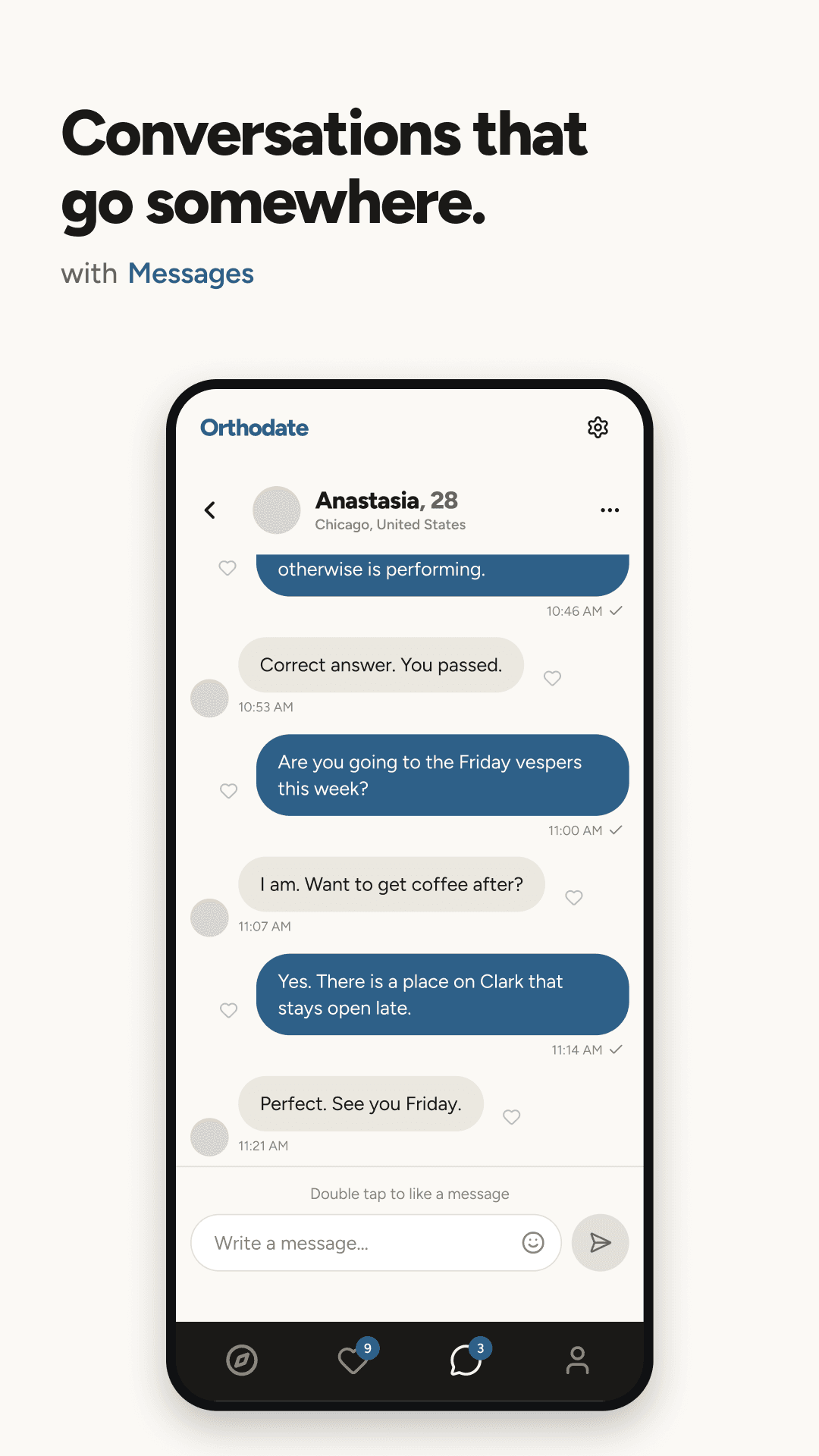
This is not a cut-down demo. Everything Orthodate does in the browser today is in the Android build, in your pocket, with notifications that arrive when somebody actually writes to you.
Every face verified by a human
A live selfie check, reviewed by eye rather than by an algorithm, with nothing biometric stored.
Jurisdiction and practice, not just photos
Greek, Antiochian, OCA, ROCOR, Serbian, Romanian, Bulgarian, Georgian. Fasting, attendance and the calendar you keep.
A daily batch, not an endless feed
A small set of people each day, chosen carefully, so reading a profile properly is still possible.
A parish directory in your pocket
More than 1,700 Orthodox parishes across the United States and Canada, searchable by map.
Profiles published in English
Written in another language? It is translated for you, with a note saying where it came from.
One account, both places
Set your profile up in the browser today and it is already waiting when the app lands.
How it works
Four steps, and three of them are ours
Closed testing sounds technical and is not. The only thing you do is accept an email from Google.
- 01
You add your Google account
The form below. It has to be the Google account you use on your phone, because that is the only address Google Play can invite.
- 02
We add you to the test
Google Play runs closed tests from a list of addresses. Yours goes on it, and nothing else happens to it.
- 03
Google sends the invitation
The invitation comes from Google, not from us. Accept it once and Orthodate appears in Google Play for you.
- 04
You install it and tell us what breaks
That is the entire job. Everything you report lands with the person who can fix it.
You do not have to wait to start using Orthodate. It runs in your phone browser today, and the profile you build there is the one the app opens to. Create your profile or read how it works.
Fair questions
Questions about early access
Handing anyone your email address deserves a straight answer about what happens to it. Here is all of it.
What is a closed test on Google Play?
Why do you need my Google account specifically?
Does it cost anything to test?
What will you do with my email address?
When does it actually launch?
Do I need an Orthodate account first?
What about the iPhone version?
Can I leave the test group later?
The test group fills up before the app goes public
One field, and you are in it. We will email you the moment Google opens the door.