iPhone · Public beta on TestFlight
Orthodate for iPhone is in public beta
The iPhone app is ready to try before it reaches the App Store. Join the beta through Apple’s TestFlight, sign in with the account you already have and tell us anything that needs fixing before everyone else gets it.
- Free to join
- Delivered by Apple TestFlight
- Your existing account
About two minutes
How to join the beta
Apple delivers beta apps through TestFlight, so there is one extra step compared with the App Store: install TestFlight first, then open our invitation.
Reading this on a computer?
The invitation only installs on the iPhone that opens it. Open orthodate.co/ios in Safari on your iPhone and start from step one there.
Install TestFlight from the App Store
TestFlight is Apple’s own free app for trying apps before they reach the App Store. Install it once on your iPhone; it is what installs Orthodate and keeps the beta up to date.
Get TestFlight on the App StoreOpen the Orthodate invitation on your iPhone
Tap the invitation link on the phone itself. TestFlight opens on the Orthodate page: tap Accept, then Install. There is no code to type and nobody to ask for permission.
Open the Orthodate invitationOpen Orthodate and sign in
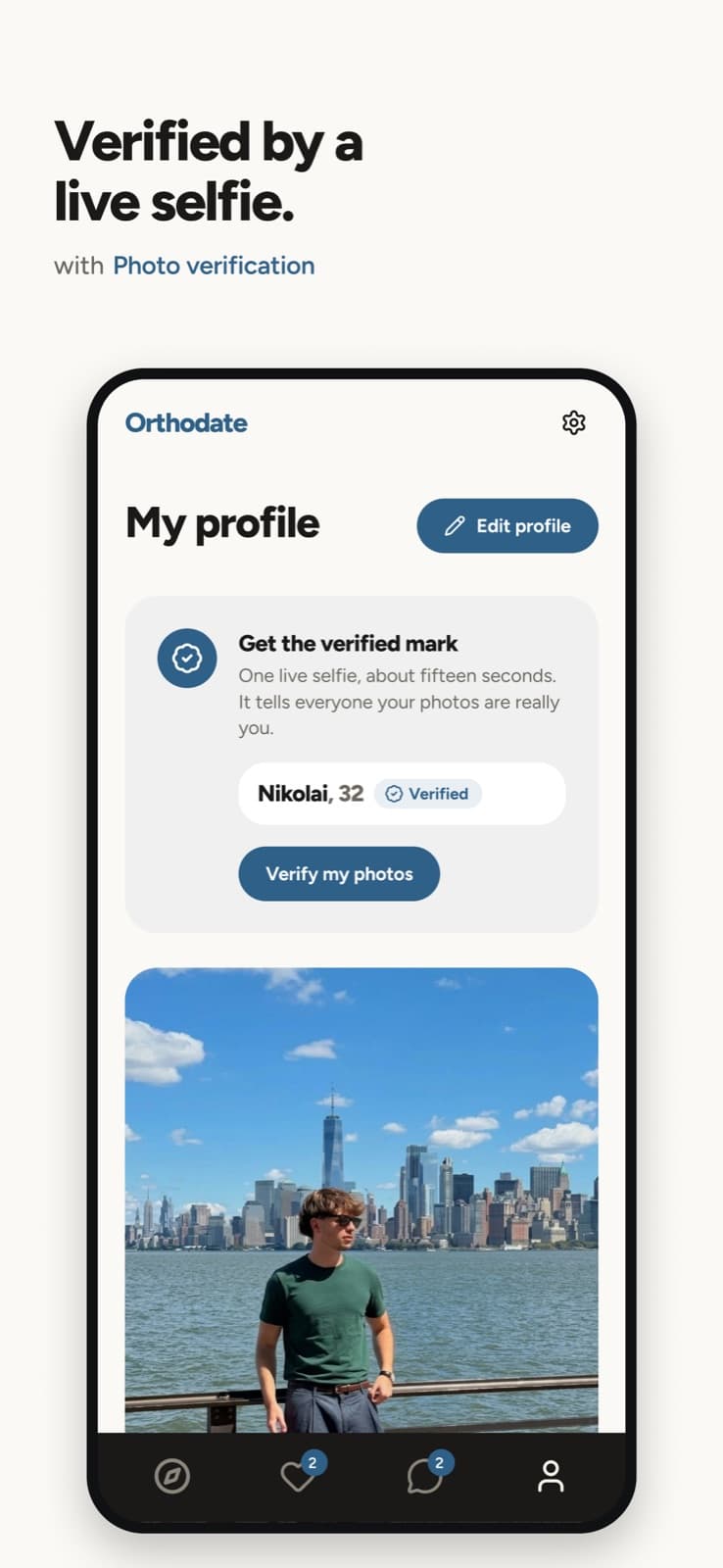
Sign in with the email or Google account you already use and your photos, preferences, matches and conversations are all there. New here? The whole sign-up runs in the app.
Tell us what you find
Take a screenshot inside Orthodate and TestFlight offers to send it to us with a note, or open TestFlight and tap Send Beta Feedback. Every report reaches the person who can fix it.
Updates arrive by themselves. TestFlight installs each new beta build for you. The build is signed by us and delivered by Apple under co.orthodate.app; an Orthodate app offered any other way is not ours.
What is inside
The whole of Orthodate, on your iPhone
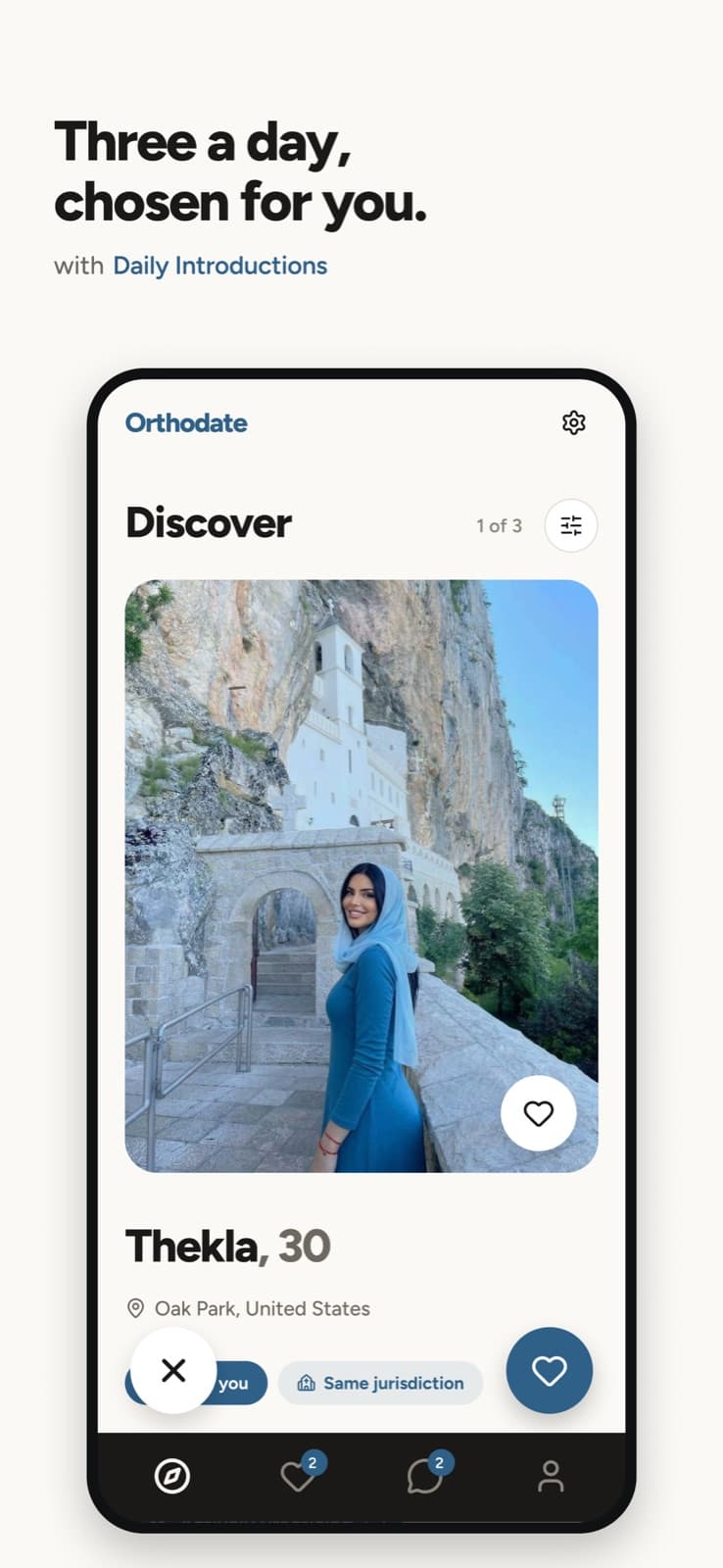
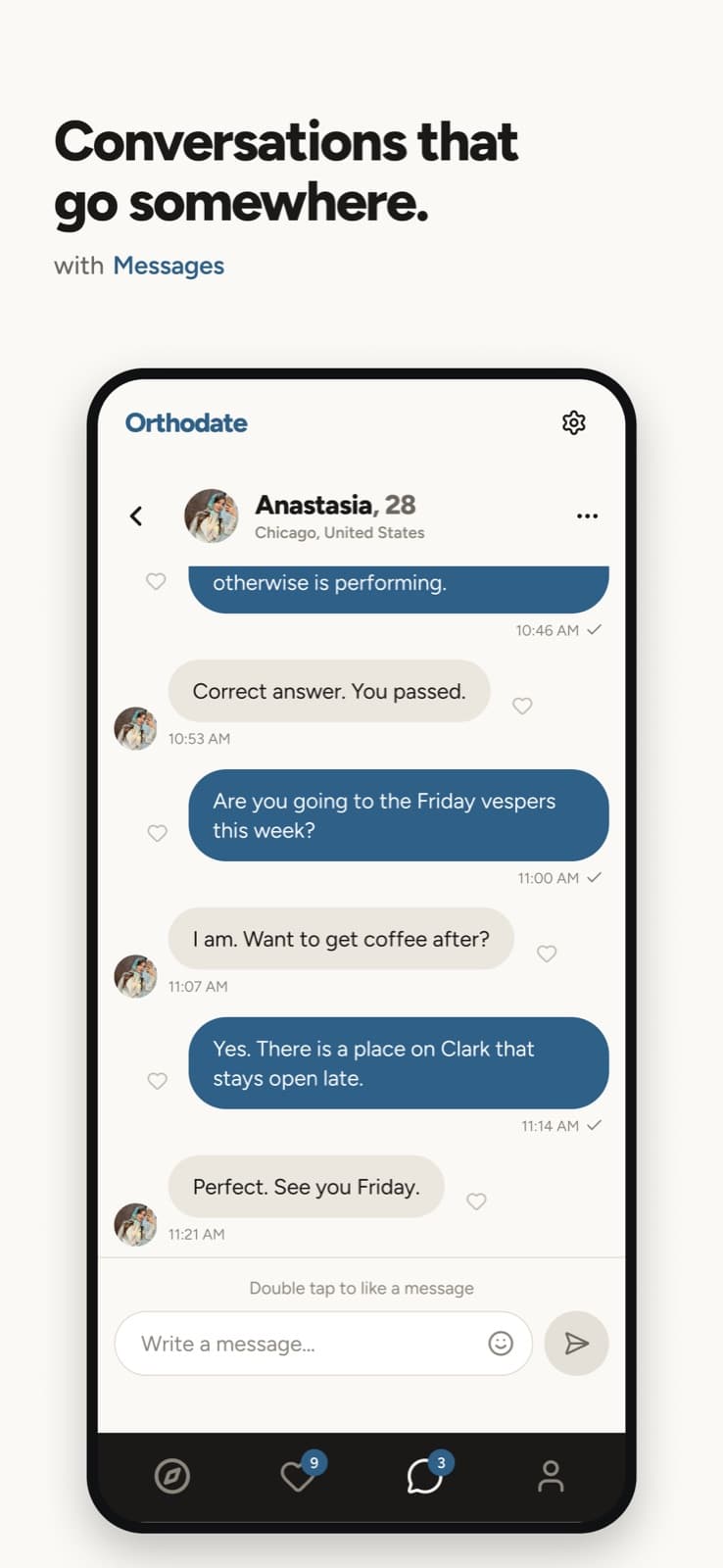
Daily introductions, the live Face Check, the parish directory, chat and notifications. Everything the website and the Android app do, built for the iPhone.
On Android instead? The Android app is out of testing and free on Google Play, with no invitation. Get the Android app.
Use it in a browserFair questions
Before you join
What TestFlight is, what the beta costs, how it fits with the account you may already have, and what to do when the invitation does not behave.
What is TestFlight?
Does it cost anything?
Do I need an Orthodate account first?
Which iPhones can run it?
I am reading this on a computer
The invitation says the beta is full
What does the beta share with you?
How long does the beta last?
What about Android?
Help us finish the iPhone app
Install TestFlight, open the invitation on your iPhone, sign in, and tell us anything that looks wrong.